
Dashboard Overview
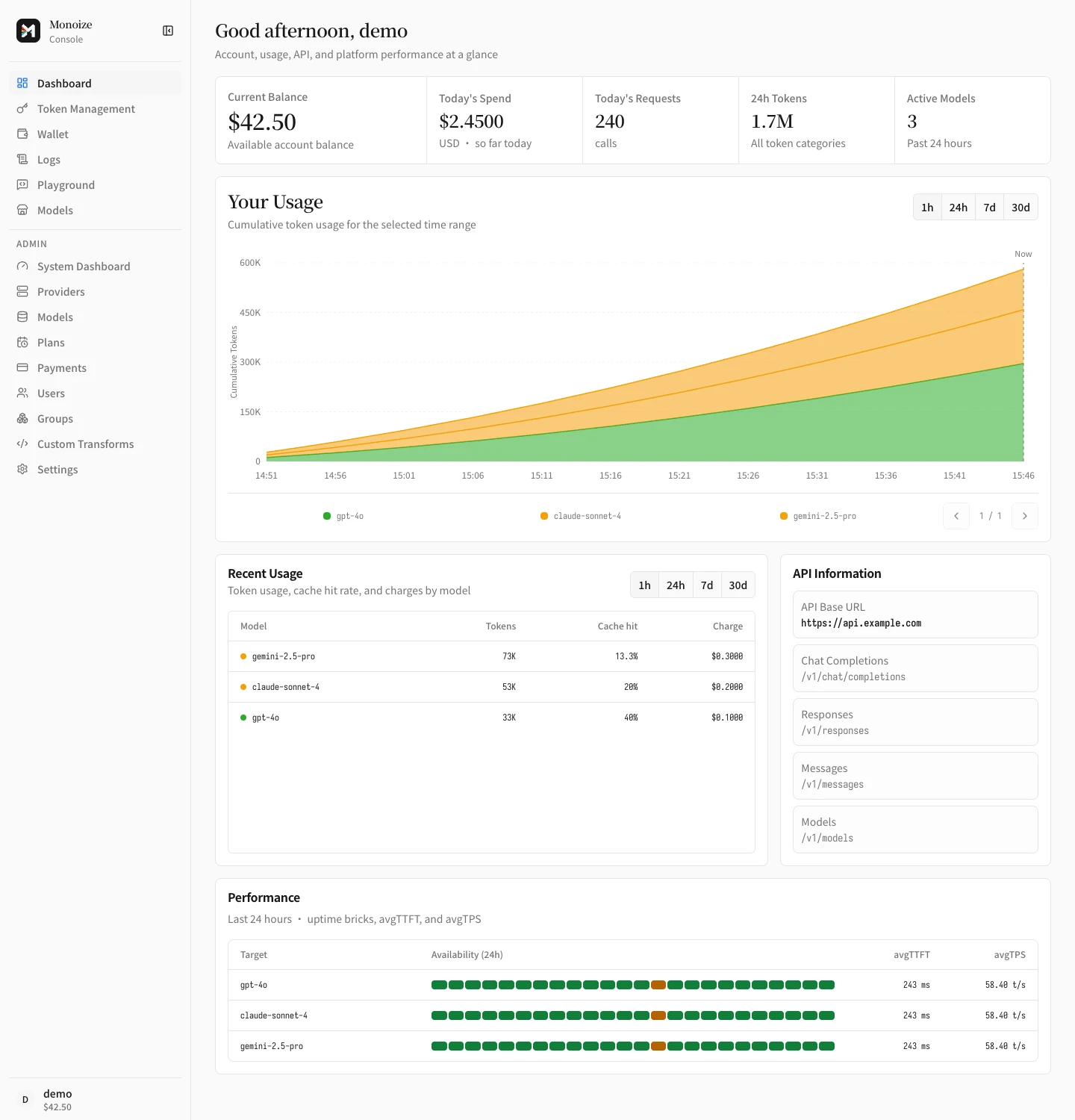
Sign in to the embedded dashboard and find each management area.
Access the dashboard
Open the Monoize listen address in a browser. The default is http://localhost:8080. A release build serves the dashboard, the API, and metrics from one process.
Navigation
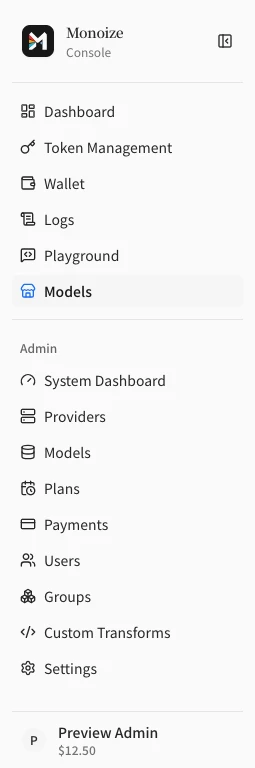
Select the collapse button beside Monoize to show navigation icons only.
Select the Monoize icon to expand the sidebar.
Press Ctrl+B on Windows or Linux, or Command+B on macOS, to toggle the sidebar.
On mobile, select the menu button at the upper left to open navigation.
Select a destination to navigate and close the menu.
Open the account menu at the bottom to view your balance and account actions.
Accounts and roles
- Register the first account after installation. The first registered account becomes
super_admin. This rule applies even when public registration is disabled. super_admincan manage users, system settings, Providers, and billing.adminaccounts manage operational resources.useraccounts manage their own API keys, logs, and balance.
Management areas
| Area | Purpose |
|---|---|
| Dashboard | Traffic, cost, and health for the signed-in account |
| System Dashboard | Admin-only system status, usage ranking, and Channel health |
| Providers | Providers, Channels, model mapping, health, transforms |
| Token Management | API keys, quotas, model restrictions, transforms |
| Logs | Request logs and the capture viewer |
| Models | Model prices, tool prices, upstream price sync, and group billing ratios |
| Users | Accounts, balances, subscription assignment, and the billing ledger |
| Settings | System settings, global transforms, request capture switch |
Home Dashboard and System Dashboard
The Home Dashboard shows traffic, cost, and health for the signed-in account only.
System Dashboard is an admin page. It shows system-wide health and spend.
Spend uses a rolling window (24h, 3d, 7d, 14d, 30d).
The window ends at the current time. The window does not reset at midnight.
Language
The dashboard supports English, 简体中文, 繁體中文, and 日本語. Change the language from the user menu.
Loading and recovery
Each overview section loads independently. If loading fails, select Retry in that section. A failed refresh keeps the previous data visible and shows a failure notice. Unavailable usage values appear as an em dash, not zero.
If the API base URL is missing, administrators can open system settings from the API information section. Regular users see the configuration status without an administrator action.
On the sign-in page, scroll to reach the form in a short window or at increased zoom. If the page cannot load its settings, select Retry before signing in. Authentication failures show translated messages. Complete human verification again after a failed submission.
Accessibility
The interface respects the system preference for reduced motion. Mobile navigation and popup close buttons provide a target of at least 44 by 44 pixels.